 · 7 min read
How to digitise old photo albums without damaging them
Thick albums, fragile pages and photos that are stuck down: how to scan or photograph them, with the right settings and file names you can find again later.
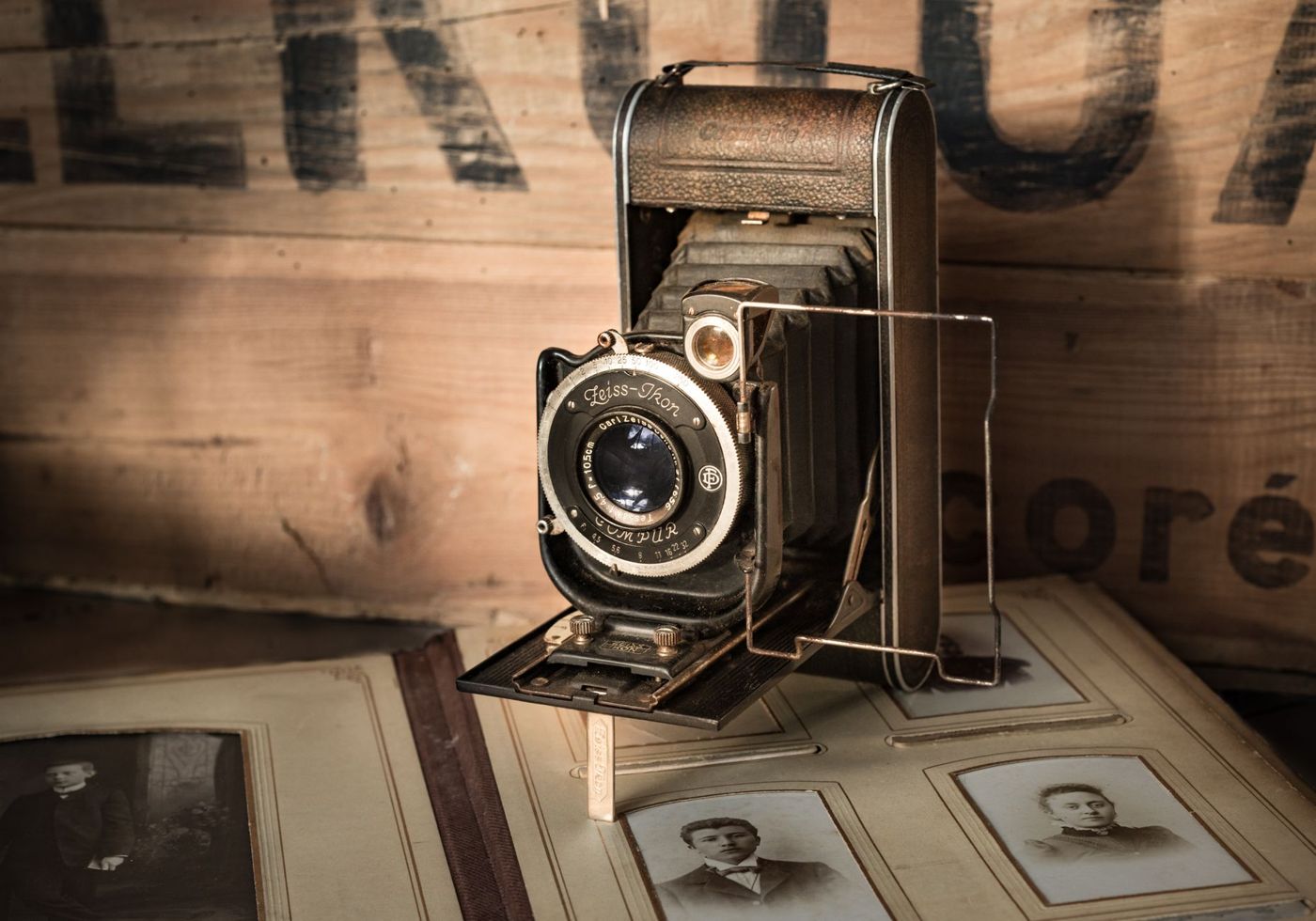
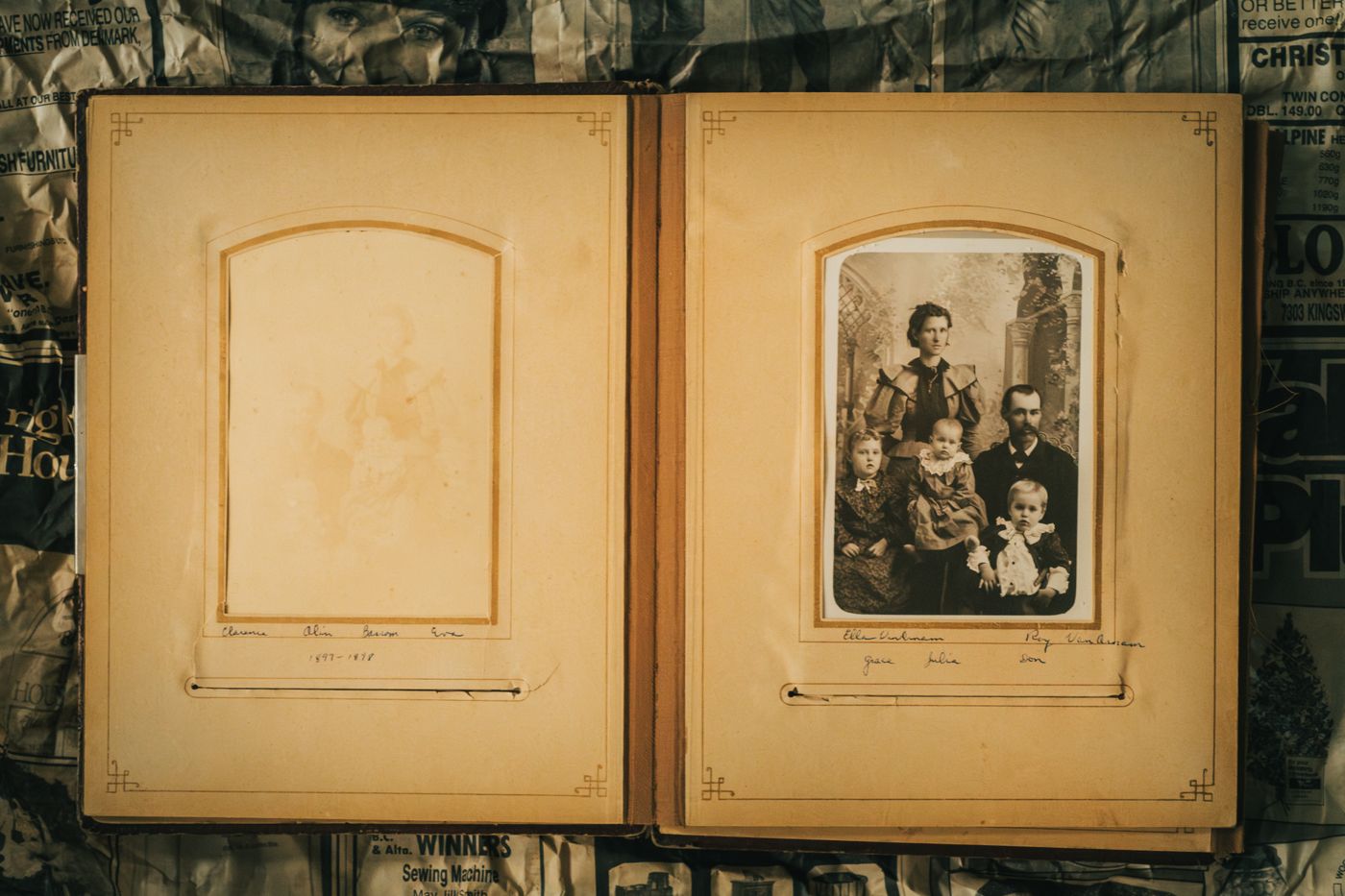
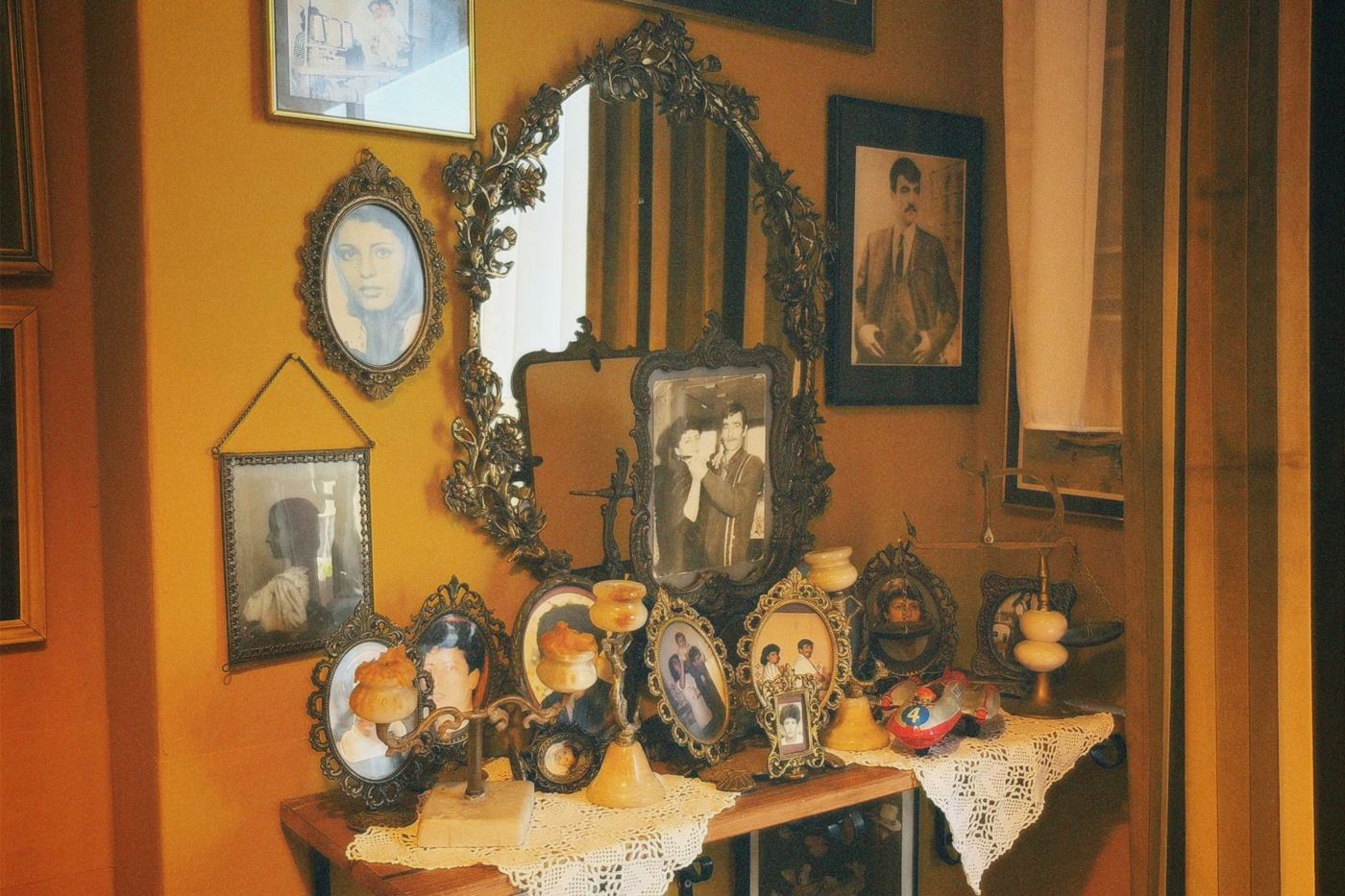
There's a pile of albums in your mum's attic. Black pages with white pencil captions, a baby album tied with a ribbon, a holiday book from the seventies with sticky film. Everyone in the family would love to have them, and there's only one copy of each. Digitising solves that, but only if you do it in a way that doesn't harm the albums and leaves you with files you can still use in twenty years.
Why old albums are tricky
A loose photo goes on a scanner and you're done. An album is a different story. The spine is often stiff or already broken, and if you press a thick book flat on the glass, you can feel the binding creak. Pages made of old, acidic paper are brittle and tear at the edges.
On top of that, photos are often stuck down. With glue, with photo corners that have dried out, or under the film of a self-adhesive album, also known as a magnetic album. With that last kind, the glue has often gone so hard over the years that the photo won't come off without damage. And old scrapbooks sometimes hold cuttings, cards and dried flowers so thick that the cover won't even close any more.
So it's not a matter of quickly running everything through the scanner. First look at each album and see what it can handle.
The whole page first, then the photos
Whichever way you go about it, start with a shot of every full page. That keeps the layout the maker came up with: which photos belong together, the handwritten captions, the cards tucked in between. If something goes wrong later when you remove or move things, at least you've recorded how it was.
After that, where possible, take separate shots of the important photos. You can use those for printing, enlarging or putting in a new album.
Scanning or photographing
A flatbed scanner gives the sharpest and most even result. It's ideal for loose photos, loose pages and albums with a loose binding, such as post-bound albums or ring binders you can take the pages out of. Put the page on the glass, not the whole book.
For thick, bound or fragile albums, photographing is safer. The album stays put; you only move the camera. Here's how:
- Put the album on a table by the window, with light coming from the side. Direct sunlight causes harsh shadows and glare.
- Support the open book with a rolled-up hand towel or a small cushion under the cover, so the spine doesn't have to lie completely flat.
- Hold the camera or phone straight above the page, ideally on a tripod. A tilted angle gives distorted photos.
- Remove the plastic from the page if it comes away easily. If the film is stuck, shoot at enough of an angle to avoid reflections and correct the perspective afterwards.
- Don't use a flash.
A modern phone gives perfectly good results for family use. A mirrorless camera or DSLR gives more detail, which you'll notice if you want to enlarge a photo later.
A 30.5 x 30.5 cm (12 x 12 inch) page won't fit on an ordinary A4 scanner. You can scan it in two halves and stitch them together later, but that takes some skill with photo software. Photographing is often simpler.
Resolution and file format
Scanning resolution is measured in dpi, the number of dots per inch. For a print at actual size, 300 dpi is enough. If you might ever want to print a photo larger or zoom in on faces, scan higher: 600 dpi is a good choice for most photos. Tiny photos, like the contact prints in old albums, should be scanned at 1200 dpi or more. You can go higher, but the files get so large that your computer may struggle with them.
When photographing, it's not about dpi but the number of pixels. Fill the frame with the page or photo as much as you can to get the most out of your camera. For an important photo, take a separate close-up rather than cropping it from a page shot later.
For the file format, you have two good options:
- TIFF keeps everything with no loss of quality. The files are large, but this is your master, the file you never touch again.
- JPEG is smaller and works everywhere. Choose the highest quality, at least 90 per cent. Don't keep re-saving a JPEG after editing, because each time a little quality is lost.
Converting a JPEG to TIFF later won't make it any better. So decide at the start. A common approach is a master in TIFF or as a top-quality JPEG, plus a smaller copy for sharing.
If you edit the photos, such as cropping, straightening or restoring colours, do it on a copy. Leave the master just as it came out of the scanner.
Take them out or leave them in
Only remove photos that come out easily, such as photos in corners or in slip-in pockets. Anything that's stuck down, just leave in place while you digitise. Removing photos takes time and things sometimes go wrong; that's a separate job, for later and with patience.
If you do take photos out of the album, look at the back first. You'll often find names, dates or a photographer's stamp there. Scan or photograph the back too, because that information belongs with the photo. And afterwards, put them back in exactly the same spot if the order matters for the story.
Remember, too, that the album itself has value. The choice of photos, the captions in familiar handwriting, the order: all of that is lost if you take everything apart.
File names you can find again
A folder full of files with names like IMG_4032 is useless after a year. Decide on a fixed structure beforehand and stick to it. A system that works well:
- One folder per album, with a recognisable name, for example album-grandma-annie-1955-1965.
- Files numbered in page order, with the album in the name: grandma-annie-p012.tif for a whole page, grandma-annie-p012-03.tif for the third photo on that page.
- Start with the year if you know it, such as 1962-beach-scheveningen-p012-03.tif. Then files sort themselves by date.
Use lower-case letters, hyphens instead of spaces, and no characters like slashes or colons. Those cause trouble later on other computers.
Handwritten captions and whatever you know about a photo can go in the file's description, the metadata. Many photo programs have a field for it. Or keep a simple text file in the folder listing, for each file name, who's in it and what you know. Ask older relatives to look through them with you while you still can, because they often know who the people in the photos are.
Keep it in more than one place
A scan on a single laptop is just as vulnerable as the album in the attic. Make sure your files are in at least two places, for example on an external hard drive and in the cloud, and ideally one copy outside your own home. A copy at a brother's or sister's counts too. Check now and then that the files still open.
If you'd also like to see the pages as a book on a shelf and share them with whoever you like, an app like Scrappd is made for exactly that.
What to do with the originals
Don't throw anything away, even once everything is scanned. A scan captures what you could see at that moment; the original often holds more. That's especially true of negatives: always keep them, because they contain more information than a first scan picks up.
Keep the albums somewhere cool and dry with a steady temperature, preferably in a cupboard in a living room rather than in the attic or the cellar. Upright or flat, but not crammed in between other books. If there are loose pages, broken bindings or photos that are stuck fast, a conservator can help.
And use the copies for new projects. If you want to put a photo of your grandparents in a scrapbook, print the scan and stick that in. The original stays safe in the old album, and with the copy you can cut and write as much as you like.
Questions about this topic
How do you digitise an old photo album without damaging it?
First take a shot of every whole page, and only then of the individual photos. With thick, bound or fragile albums, photographing is safer than scanning, because the album stays put.
What resolution should I scan old photos at?
For a print at actual size, 300 dpi is enough. 600 dpi is a good choice for most photos, and small photos should be scanned at 1200 dpi or more.
What is the best file format for scanned photos?
Keep a master as a TIFF or a top-quality JPEG and make a smaller copy for sharing. Always edit a copy and leave the master untouched.
Should I take photos out of an old album to scan them?
Only remove photos that come out easily. Leave anything that's stuck down where it is; removing it is a separate job, for later and with patience.