 · 6 min read
How to safely remove stuck photos from an old album
Photos stuck to glue, card or plastic will often come free, as long as you work slowly and know when to stop.
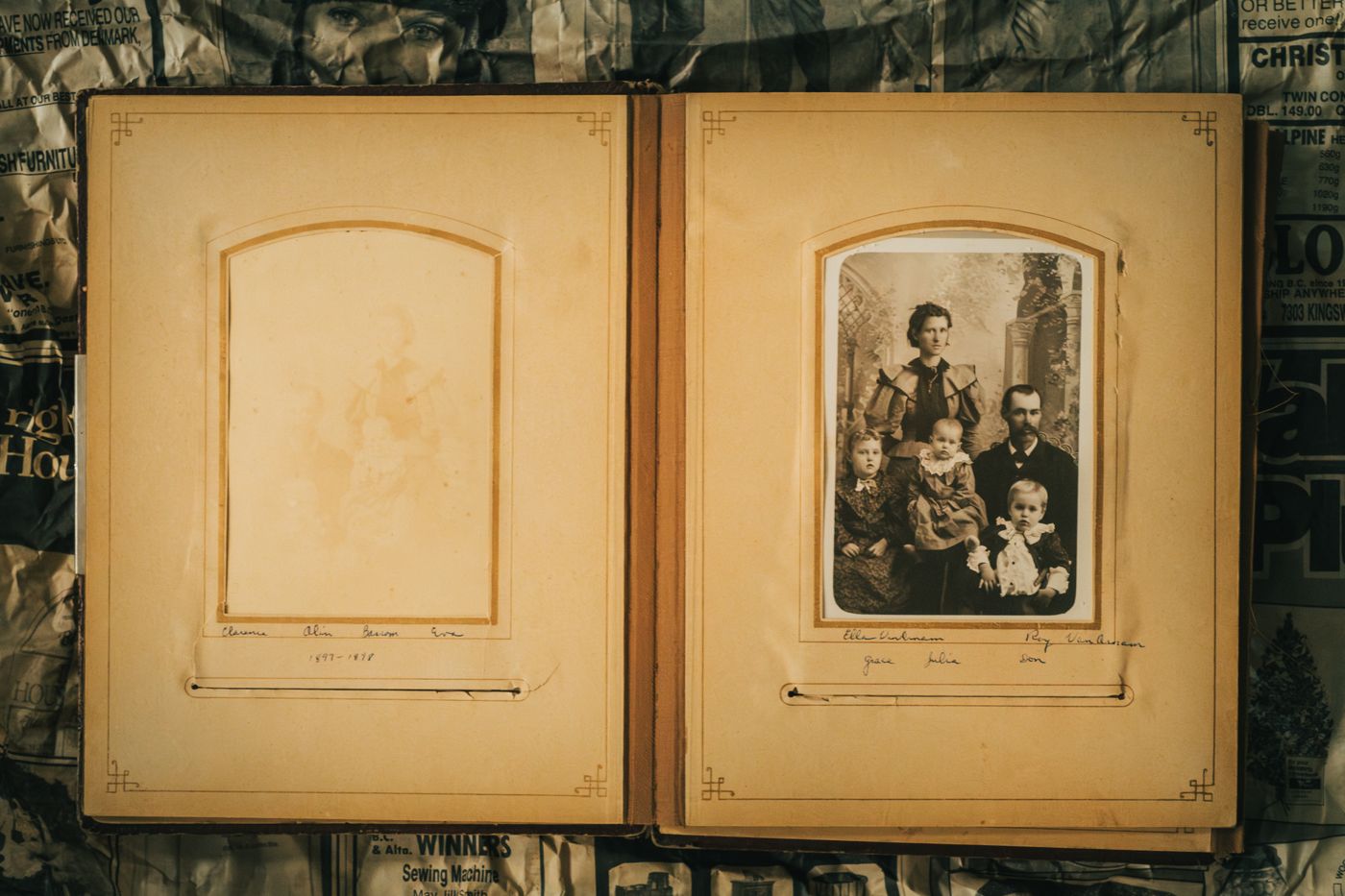
You're leafing through your grandad's album and want to take out that one photo of him as a boy, to frame it or have a copy made. You pull gently at a corner and straight away you feel it resist. Stop there. With a few simple tools and, above all, patience, you can get plenty of photos free without damage, but pulling is never the right approach.
First, record the page
Before you remove anything, scan or photograph the whole page. That way you'll know exactly how everything was laid out, which photos belonged together and what was written next to them. And if something does go wrong, at least you'll have a good image of the photo as it was.
Also write down what's on the page around the photo. A name or year in white pencil on black card belongs with that photo, and you lose that information as soon as the photo is lying loose on the table.
Does it really need to come out?
The honest answer is: often not. An album is more than a collection of photos. The order, the captions and the choices of the person who made it tell a story too. That's why museums and archives usually keep old albums and scrapbooks intact and work with copies.
If you want to enlarge a photo, share it or use it in a new scrapbook, a good scan is almost always enough. You can print it and use it as often as you like, while the original stays safely in place.
There are good reasons to remove photos all the same:
- The album is falling apart and the pages are getting more and more brittle.
- The photos are in a self-adhesive album and are starting to discolour.
- There might be something on the back that you'd like to be able to read.
- The photo is crooked or half loose and gets more damaged every time you turn the page.
If in doubt, leave it. Whatever you don't remove today, you can always remove later.
Dental floss, a spatula and patience
For photos stuck to paper or card with glue, tape or old mounting corners, you don't need much:
- Unwaxed, flat dental floss.
- A thin, smooth spatula. A microspatula, like the ones conservators use, is ideal; a flat bone folder or a thin palette knife works too. No sharp knives.
- Clean, dry hands. Touch the image as little as possible, because grease and moisture from your fingers leave marks.
Start at a corner where the photo is already a little loose. Slide the floss behind it, hold it taut at both ends and work it further under the photo with a gentle sawing motion. Work in small sections and don't lift the photo; let the floss do the work.
If that doesn't work, slide the spatula very flat under the edge and work your way along millimetre by millimetre. If you feel the photo bending or the paper backing coming away with it, carry on somewhere else or stop.
Take your time. A photo that's still stuck after ten minutes will still be stuck tomorrow. Working slowly prevents most damage.
Photos under plastic
The trickiest are the self-adhesive albums from the seventies and eighties, also known as magnetic albums. The photos sit on card with strips of glue, with a sheet of plastic over the top. After years, that glue has often turned yellow and hard, or sticky instead, and the plastic can stick to the photo too.
Here's how to go about it:
- Slowly peel back the plastic sheet, from the spine towards the outer edge. If it's hard going or sticks to the photo, stop at that photo.
- Try to work the dental floss under the photo, from one corner to the opposite side.
- If the glue won't give, you can very briefly and carefully warm the back of the card with a hairdryer on its lowest setting. Lukewarm glue sometimes lets go more easily. Keep the hairdryer at a distance, don't heat the front of the photo, and if you're unsure, skip this step.
- Don't use solvents on the photo itself. There are adhesive removers for craft use, but they're made for paper and can damage a photo's image layer. Never test them on a photo that means a lot to you.
If a photo is really stuck fast, it's wiser to leave it where it is. Scan the page without the plastic if it has come away, or with the plastic on if there's no other option. Then take the page out of the album and store it flat and separately. Better a good scan of a photo that's stuck than a torn photo.
Old newspaper cuttings
Cuttings are more fragile than photos. Newsprint contains a lot of lignin, a substance from wood, which makes it acidic, yellow and brittle. Sometimes it breaks as soon as you lift it. It can also discolour whatever is next to it, so you see brown stains on photos that have been lying against it for years.
So with cuttings, the advice applies even more: preferably leave them in place and make a scan or copy. If you want to keep the content, a copy on acid-free paper often lasts longer than the original.
If a cutting really has to come out, for example because it's discolouring a photo, use the spatula and never dental floss, which cuts straight through thin paper. Support the cutting with a sheet of paper while you free it, and lay it flat in a folder straight away. From now on, don't store cuttings directly against photos.
When should you stop?
Stop straight away if you notice any of these:
- The paper backing of the photo stays stuck to the page.
- The photo starts to curl or crease.
- Flakes are coming off the image layer.
- The page itself tears or crumbles.
- You're getting irritated or rushing.
That last one isn't a joke. Most damage happens in the final stretch, when you're nearly done and give it a little tug anyway.
If it's a photo that's truly irreplaceable, an album of great historical value or photos that have been damaged by water, ask a paper and photograph conservator for advice. They have tools and knowledge you can't match at home, and they can also judge whether removing the photo is a good idea at all.
If a photo tears anyway
It happens to the most careful scrapper. Don't panic, and don't reach for the glue.
- Don't use sticky tape, not even so-called invisible tape. It discolours, leaves glue behind and can pull the image layer away when you remove it.
- Don't laminate the photo.
- Keep all the pieces together, image side up, in an acid-free paper envelope or a sleeve made of polypropylene, polyethylene or polyester.
- Scan the pieces as soon as possible, side by side and fitted together as closely as you can. With photo editing, you can then often make the tear almost invisible.
Print the repaired scan for your album or a frame. Keep the torn original flat and separate. A conservator can still repair it professionally later on, if you want.
Afterwards
Store removed photos flat, in acid-free envelopes or sleeves made of polypropylene, polyethylene or polyester, and note which album and which page they came from. If you want to put them back in an album, use photo corners instead of glue. Then nobody will ever have to free them with dental floss again.
Questions about this topic
How do you remove photos from an old album without damaging them?
Scan the page first. Then gently slide unwaxed dental floss or a thin spatula under a corner of the photo and work your way along millimetre by millimetre. If it's stuck, never pull.
How do you get photos out of a self-adhesive or magnetic album?
Slowly peel back the plastic sheet and try to work the dental floss under the photo. If a photo is stuck fast, leave it and scan the page. Don't use solvents on the photo itself.
What should you do if a stuck photo tears?
Don't use sticky tape and don't laminate it. Put the pieces image side up in an envelope or sleeve and scan them as soon as possible, so you can repair the tear digitally.
When is it better to leave a photo where it is?
When the paper backing stays stuck to the page, the photo curls or the image layer flakes. For irreplaceable photos or an album of great value, ask a conservator for advice.