· 8 min read
Design principles for a scrapbook page that works
Why does one page feel calm and another cluttered, even when you used the same paper? Six design principles that explain the difference, and how to use them.
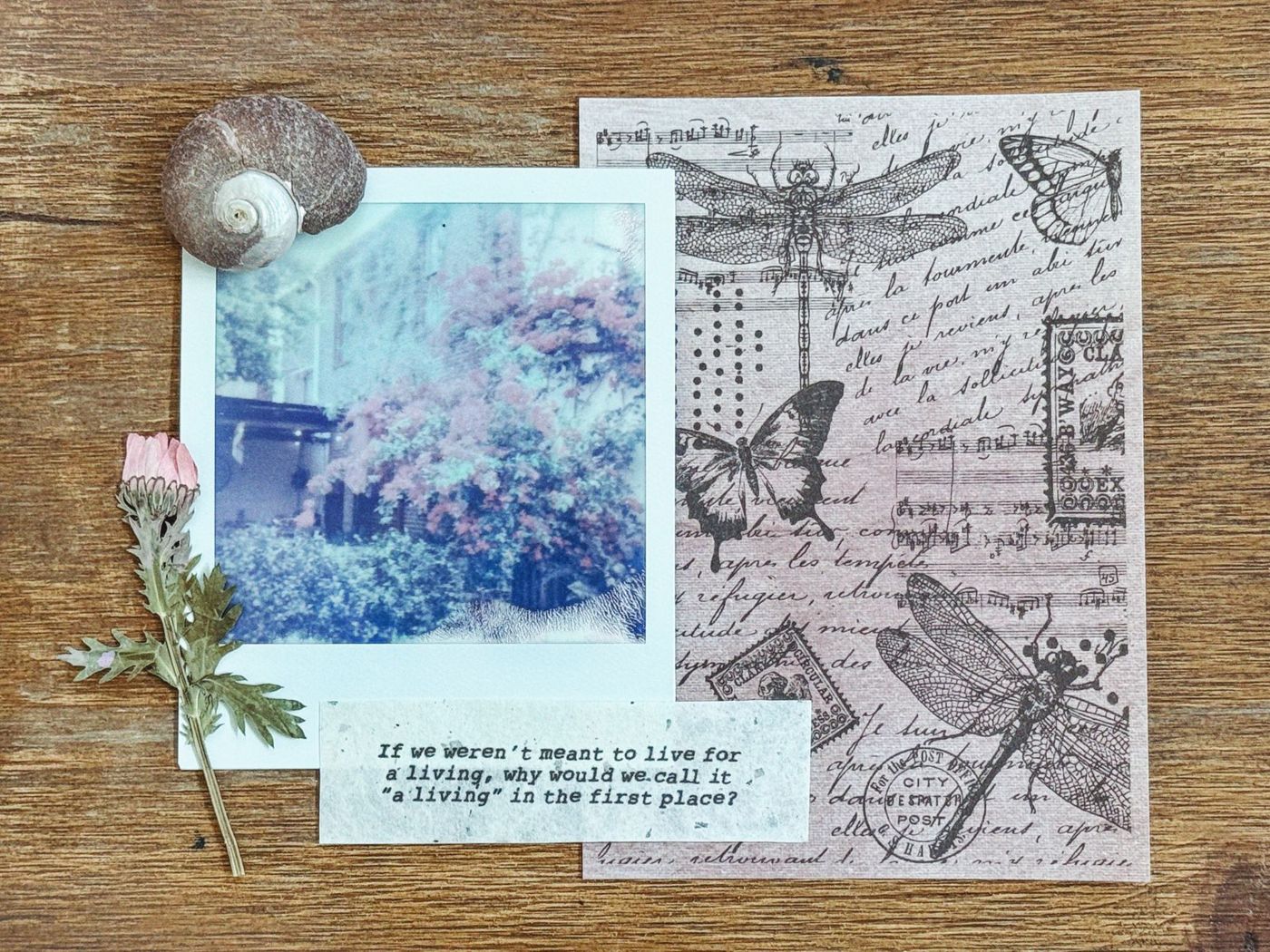
You probably know the feeling. You have lovely paper, good photos and pretty embellishments, and still the page doesn't work. It feels busy, or empty, or lopsided. Usually that isn't down to your materials, but to a few design principles that are just slightly off. Designers and photographers have used them for a very long time, and they work just as well on a scrapbook page. Once you know them, you can make more deliberate choices, and also see why a page isn't working.
A focal point: where do you look first
The focal point is the spot the eye goes to first. On most pages that's the main photo, but it can also be a title, a piece of writing or a special card. Without a focal point, the eye wanders around and never settles.
You create a focal point with a few tools:
- Size: the most important element is the biggest. A main photo that's clearly larger than the rest stands out straight away.
- Contrast: a light photo on a dark mat, or the other way round.
- A mat or frame: a border of paper around the photo.
- Depth: a photo or title on foam tape literally comes forward.
- Embellishments: a small cluster on the corner of the photo draws the eye there.
The trap is spreading these tools across the page. If the biggest photo is on the left, the brightest colour at the top right and most of the embellishments at the bottom right, you have three focal points competing with each other. Bring them together in one place. Then everyone knows where the story begins.
Before you start, ask yourself what you want someone to see first. A face, a mood, an event? The answer decides which photo goes big and where everything else goes around it.
White space: why emptiness makes a page stronger
White space is any part of the page you deliberately keep free of photos, embellishments, text and busy patterns. It doesn't have to be white. A plain coloured sheet, kraft paper or a quiet pattern counts too.
Faced with a blank sheet, the first instinct is to fill it. Yet open space gives the eye somewhere to rest, and makes what is there more important. Think of a lighthouse on an empty coast: the space around it makes it big.
White space works best when you group your elements. Spread five photos and ten stickers evenly across the page and there's no real space anywhere, just gaps. Put the same things in one block and suddenly there's a large calm area. The same materials, a completely different page.
You can overdo it, too. A page with one small photo in a corner and nothing else soon feels lost. It's about proportion. An anchor helps here: a sheet or large mat that most of the pieces sit on or against. The anchor doesn't need to cover everything, but it stops the pieces from looking as if they're floating loose on the page.
The rule of thirds
The rule of thirds comes from photography. In your mind, divide your page into nine equal boxes with two horizontal and two vertical lines. On a 30.5 x 30.5 cm (12 x 12 inch) page, those lines fall roughly every 10 cm. The four points where the lines cross are strong spots for your focal point.
A photo right in the middle looks static, like a block. Slide it a little to the left or right, with the most important part on an intersection, and the page gains movement. On the other side, add something smaller to balance it out.
A few ways to use the grid:
- Let your main photo take up four boxes in one corner. Everything else goes in the remaining boxes.
- Keep one box free for your title and journaling. That quiet box contrasts with the busy part.
- Put your title and a cluster of embellishments in opposite corners, for example top left and bottom right. This creates a diagonal that pulls the eye across the page.
- Use one horizontal row of the grid as a band, with a series of small photos from the same moment.
See the grid as a tool, not a law. It takes the guesswork out, but you can always break from it if the photo calls for it.
The visual triangle
The visual triangle is related to the rule of thirds. You place three accents on the page that together form a triangle, with your focal point inside it or on one of the corners. The eye jumps from point to point and so stays on the page.
Those three accents can be clusters of embellishments, but also the same colour three times. A nice trick is to pick an accent colour from the photo, such as a child's red jacket, and repeat that colour in two other places. It doesn't have to be a neat triangle; a lopsided one often works better. How to build a cluster like that and where to place it is covered in the article on embellishments.
Balancing heavy and light elements
Every part of your page has visual weight. Heavy things are large items, dark and bright colours, busy patterns and anything thick. Light things are small items, soft colours, plain areas and thin lines.
There are three kinds of balance:
- Symmetrical: left and right are roughly the same. It feels calm and stable, sometimes a little formal.
- Asymmetrical: one side is heavier, and that's offset by something else on the opposite side. It looks livelier. A large photo on the right can be balanced by a smaller, dark cluster on the left.
- Around a centre: everything is grouped around one central spot, like the spokes of a wheel.
If the bottom is much heavier than the top, add a few smaller accents near the top. Placing large photos or embellishments diagonally opposite each other works well too.
Pay attention to the direction people are looking in your photos, too. If someone is looking to the right, leave some space on that side. If you place the photo so the person looks off the page, the reader's eye follows that gaze outwards.
Colour adds weight too. A well-known rule of thumb is a ratio of roughly 70, 20 and 10 per cent: one large main colour, often a neutral, a smaller second colour and a pinch of accent colour. That pinch can easily be bright; it's precisely a small amount of something strong that draws attention to where you want it.
Repetition for cohesion
Repetition ties separate pieces together. When the same colour, shape, pattern or material appears in a few places, the eye reads the page as one whole.
You can repeat:
- colour: the same shade in the mat, in a strip of paper and in a sticker
- shape: circles in a pattern, in buttons and in a die-cut circle
- lines: stitching, a strip of washi tape and the edge of a card running in the same direction
- words: a word from the title that comes back in your journaling
Repetition works across several pages, too. The same lettering for titles, the same date stamp or the same palette turn a series of separate layouts into one book. With photos from different days that don't sit well together, it can help to print them all in black and white, or all but one.
A related principle is alignment. Line up the edges of photos and blocks, and make sure elements touch or just overlap. Things floating apart from each other soon look accidental.
Too much repetition makes a page dull. That's why an unexpected combination sometimes works so well: a bold photo with a soft little flower, rough cardboard next to lace. Contrast keeps the eye awake, repetition holds everything together.
How to analyse a page that doesn't work
When a page doesn't feel right, a fixed order helps you find the cause. Lay everything out loose, without glue, and take a photo with your phone. On a small screen you see the structure better than up close. Then go through these questions.
- Where do I look first? Is that what I intended? If not, your focal point is in the wrong place or isn't strong enough.
- Are there several spots asking for attention? Remove one or make it smaller.
- How many colours do I see? If there are more than three or four, see which ones you can do without.
- Is there a large calm area? If not, group the pieces closer together.
- Is everything in the middle? Slide your main photo to an intersection of the grid.
- Does the page tip to one side? Add a small accent on the light side, or move something heavy.
- Are there things floating loose? Let them touch an anchor or line up with something else.
- What happens if I take one thing away? Often that's exactly what the page needed.
If you're stuck, try working from a sketch or a ready-made template. These principles are already applied there, and by leaving out or moving elements you quickly learn what makes the difference. After a while it comes naturally, and you'll spot what's off while you're still moving things around.
Questions about this topic
What is a focal point on a scrapbook page?
The focal point is the spot the eye goes to first, usually the main photo. You create it with size, contrast, a mat, depth or a cluster of embellishments, and bring those tools together in one place.
What is the rule of thirds in scrapbooking?
In your mind, you divide the page into nine equal boxes with two horizontal and two vertical lines. The four intersections are strong spots for your focal point.
Why is white space important on a scrapbook page?
Open space gives the eye somewhere to rest and makes what is there more important. It works best when you group pieces together rather than spreading them evenly.
How do I work out why my scrapbook page doesn't look right?
Lay everything out loose, take a photo and look at it on your phone. Then ask yourself where your eye goes first, how many colours you see and what happens if you take one thing away.