· 7 min read
Choosing a cutting machine: Cricut, Silhouette or Brother
A cutting machine cuts anything you design on a screen. What can it do that a die-cutting machine can't, how do the three best-known brands differ, and what does it really cost?
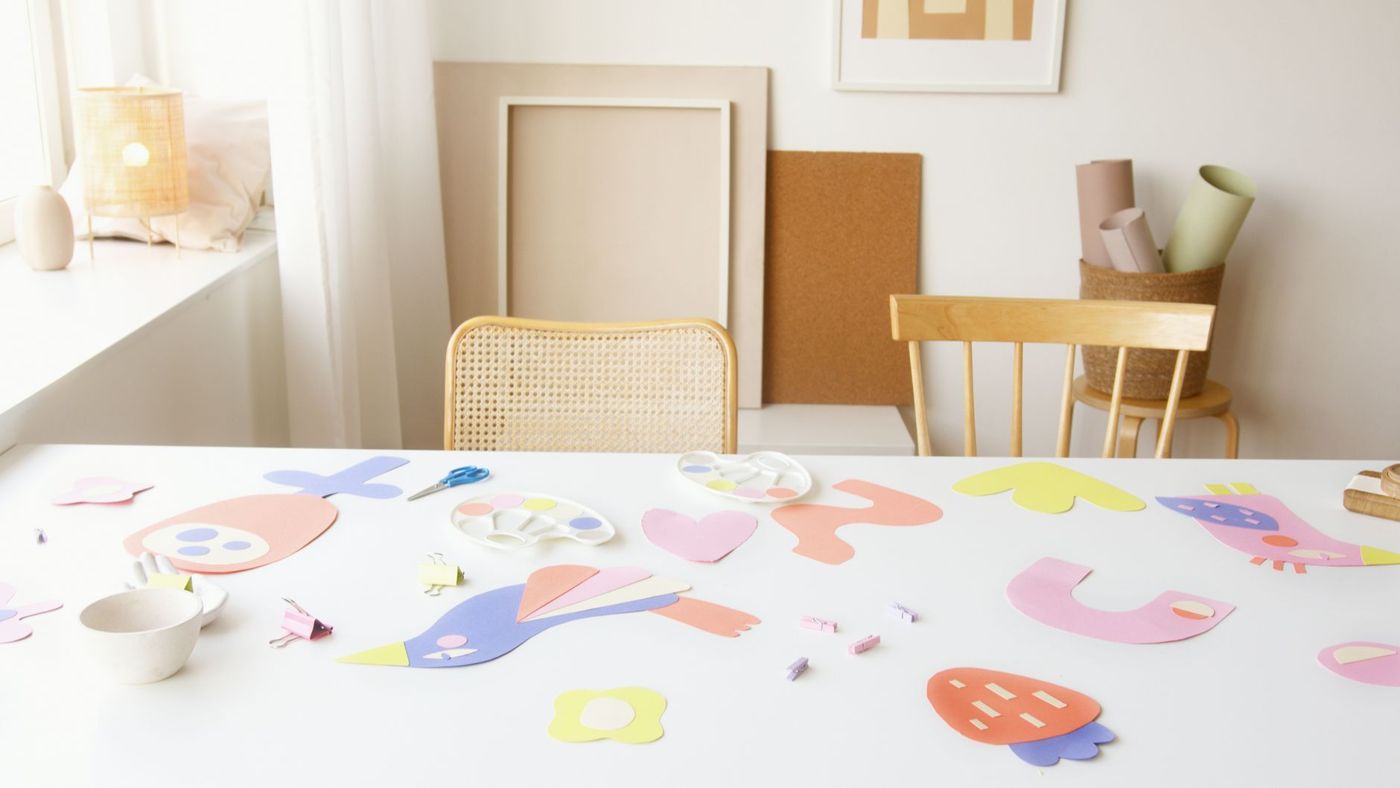
At every crop there's always one: a slim machine humming away as it cuts letters, little flowers and elegant frames out of cardstock. A cutting machine is a lovely tool, but it's also a big purchase with a few hidden costs. Here you'll find out what one can do, how the three best-known brands differ and whether you need one.
What a cutting machine does differently from a die-cutting machine
A manual die-cutting machine works with dies. You buy a die for every shape, and that shape comes in one fixed size. A cutting machine uses a small blade that moves across the paper, guided by a digital file. That means you can:
- cut any shape you can draw or download, in any size
- make titles in any font you have on your computer
- have a photo or drawing cut out along its edge, with the print-then-cut feature: you print it first and the machine then cuts it out precisely
- write or draw with a pen instead of the blade
- cut vinyl and iron-on, for stickers, labels and fabric
What a cutting machine usually doesn't do is emboss. Raised patterns with an embossing folder are still the job of the die-cutting machine. Thick materials such as felt, chipboard or thick leather are also often cut better by an ordinary die-cutting machine with sturdy dies.
A die-cutting machine is quick and simple once you have the die. A cutting machine gives you much more freedom, but you work through a screen.
Cricut, Silhouette and Brother side by side
All three make good machines, and people are happy with each brand. The difference lies mainly in the way you work.
Cricut has a few ranges. The smallest is a compact machine for cards, labels and small stickers, with a narrow cutting width. The middle one is the all-rounder for paper, vinyl and iron-on. The largest range has extra power and blades for fabric, thin wood and thicker materials. You work in the brand's app, on a computer, tablet or phone, with an account. Note: the blades, pens and mats for the smallest machine often don't fit the larger models, and vice versa. If you move to a bigger machine later, you may have to start again with accessories. Whether you can also work without an internet connection depends on the device and the version of the app.
Silhouette makes the Cameo, a machine with a cutting width of about 30 cm, suitable for 30.5 x 30.5 cm (12 x 12 inch) sheets. There's also a smaller model, and a machine that can emboss and engrave as well as cut. You mainly work in the brand's own design software on a computer. Many scrappers find the Cameo very precise with fine shapes and small details. According to many users, though, the software has a slightly steeper learning curve.
Brother ScanNCut is the odd one out: it has a built-in scanner and a touchscreen. You place a drawing, a stamped image or a piece of patterned paper on the mat, the machine scans it and cuts out the outline. You don't need a computer to get started, because there are designs stored in its memory and you can load files from a USB stick. If you do want to design on a screen, you use the brand's software or app. Newer models detect the thickness of the material and adjust the blade themselves. With the right tools it also cuts fabric, which makes it popular with people who also quilt or sew.
What helps you choose:
- If you mainly want to work without a computer and scan things, a ScanNCut is a good fit.
- If you want to cut lots of fine, small shapes and don't mind computer software, many scrappers look at a Cameo.
- If you want to work from your tablet or phone with a large library of ready-made projects, Cricut is the obvious choice.
- If you mostly make cards and small things, a small model is enough. If you make 30 x 30 cm pages, choose a machine that can handle that width.
Software and subscriptions: what does it really cost?
The price of the machine is only part of it. Also budget for:
- Designs. Each brand has its own shop or library of files. Some are free; the rest you buy individually or through a subscription. With Cricut, some of the fonts and images are behind a paid subscription or have to be bought separately. With Silhouette, that applies to the design store, and some software features are in a paid version. Which ones changes over time.
- Mats. The adhesive wears out. There are light, standard and strong grip mats: light for thin paper and vellum, standard for cardstock, strong for thicker materials.
- Blades. A blunt blade tears instead of cutting. Keep a spare at home.
- Special materials, such as vinyl, iron-on and sticker paper.
The good news: you don't have to buy the brand's designs. There are lots of free and paid SVG files, the standard file format for cutting machines. Do check whether your software can open SVGs: with some programs, that's part of a paid version. If you also want to sell what you make, read the licence: not every free file can be used commercially. And you can usually just use your own fonts.
If you're unsure, find out what the free version of the software can do before you buy. Then you'll know straight away whether you need a subscription.
What materials can you cut?
Every standard cutting machine cuts:
- paper and cardstock, including textured and glitter card
- vellum, on a light grip mat
- vinyl and iron-on
- sticker paper and magnetic sheet
- thin card and foam
For fabric, felt, leather, thin wood and thick chipboard you need a heavier model or a special blade. Check what the manufacturer itself lists, because it varies a lot from machine to machine.
A few things scrappers find out for themselves:
- Always do a test cut first, even with paper you already know. Two types of cardstock of the same weight can cut differently.
- Very small text, under about half a centimetre, often tears. Choose a bolder font or make it bigger.
- If bits stay stuck to the blade or the paper tears, check whether the mat is still sticky and the blade is sharp. Cheap, thin cardstock also makes a big difference.
- After cutting, bend the mat away from the paper instead of pulling the paper off the mat. That way it won't curl.
Is a cutting machine suitable for beginners?
Yes, if you don't mind working with software. The tricky part is rarely the machine itself, but the software and finding the right settings for each material. If you're used to a tablet or computer, you'll be cutting your first titles after an afternoon.
Still, it's good to be honest with yourself. If you've only just started scrapping, you don't really know yet what you need. A cutting machine is especially handy if you often make titles, labels or repeated shapes, or if you also want to cut things outside scrapbooking, such as stickers or fabric.
Think about noise and space too. A cutting machine hums and rattles, and it needs room for the mat that sticks out at the front and back.
Alternatives to a cutting machine
You can make beautiful pages without a machine. A few ways:
- A sharp craft knife, a metal ruler and a cutting mat. For titles, print your text in mirror image on the back of your cardstock and cut it out by hand.
- A manual die-cutting machine with a few versatile dies, such as an alphabet and a set of circles.
- Punches for small shapes and corners.
- Ready-made die cuts that match your paper collection.
- Letter stickers or stamped titles.
- Borrow or try one. Many scrapbooking groups and craft cafés have someone with a cutting machine, and at a crop you can often watch for a while.
That last one may be the best tip. Spend an afternoon cutting on someone else's machine, and you'll know straight away whether you enjoy working through a screen. Then you can buy with more confidence, or keep the money for paper.
Questions about this topic
What's the difference between a cutting machine and a die-cutting machine?
A die-cutting machine works with dies, each with one fixed shape and size. A cutting machine cuts with a small blade and a digital file, so you can make any shape in any size.
Cricut vs Silhouette vs Brother ScanNCut: what's the difference?
With Cricut and Silhouette you mainly work with software on a computer, tablet or phone. The ScanNCut has a built-in scanner and touchscreen, so you can scan a drawing or paper and cut it out without a computer.
What are the ongoing costs of a cutting machine?
As well as the machine, you pay for mats, blades, special materials and sometimes designs or a subscription. You can also use free and paid SVG files, and your own fonts.
What materials can a cutting machine cut?
Paper, cardstock, vellum, vinyl, iron-on, sticker paper and thin card are usually fine. For fabric, felt, leather and thick chipboard you often need a heavier model or a special blade.