· 7 min read
How to build a scrapbook layout step by step
Choose first, then arrange, and only then stick. With a fixed order, you won't find later that there's no room left for your title or text.
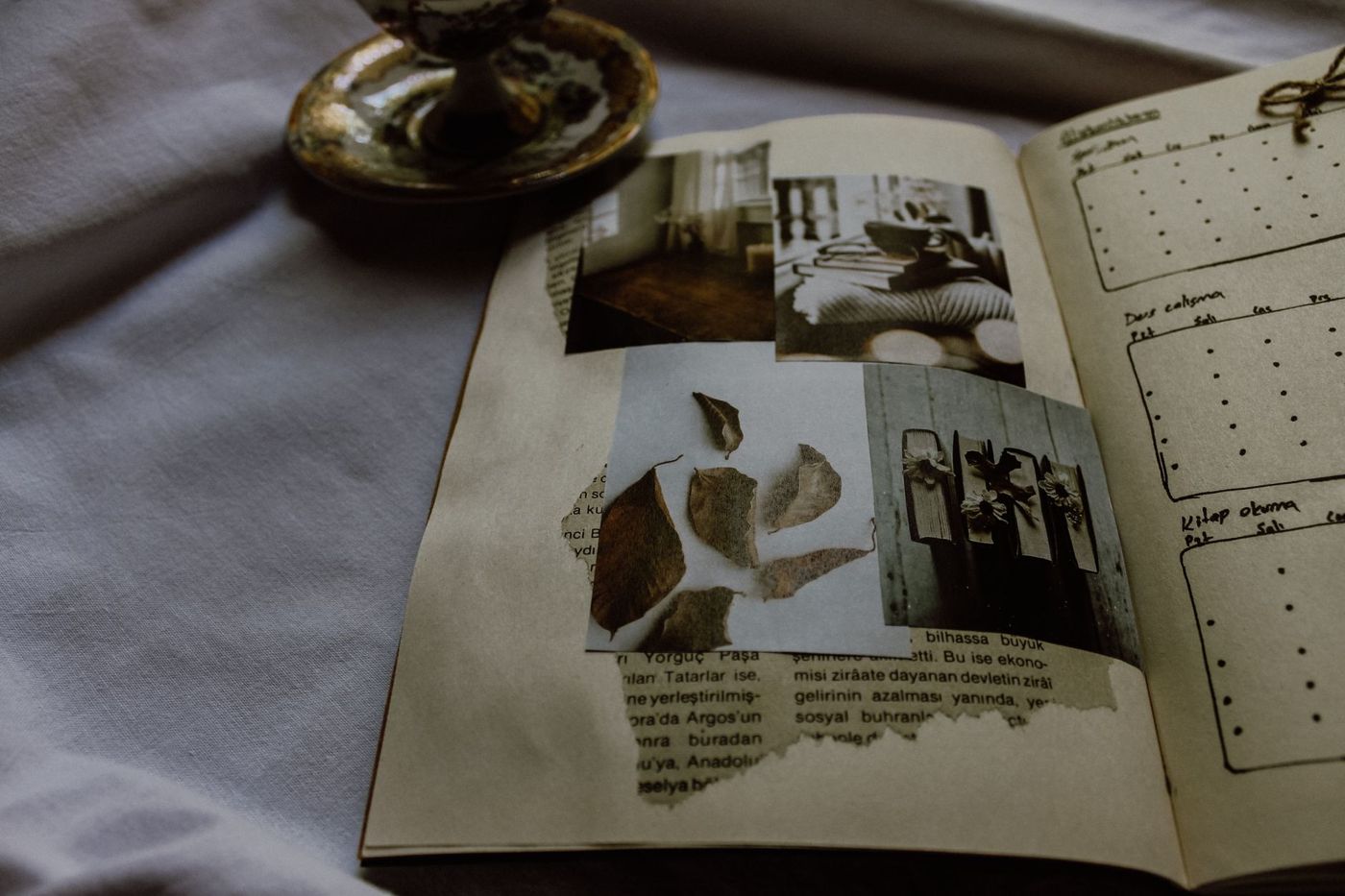
You have a pile of photos, a sheet of lovely paper and you're itching to start. You stick the photo in the middle of the sheet, and an hour later there's no room left for the title. It happens to almost every scrapper at some point. A fixed order prevents it: choose first, then arrange, and only then stick.
A layout is one page, or two pages side by side, with photos, paper, text and embellishments. The steps below work for any size, from 30.5 x 30.5 cm (12 x 12 inches) to A4 or smaller.
Start with the photo and the story
There are three ways in: the photos, the paper or the story. Experienced scrappers usually start with the photo. It decides how much space you need, where everything else can go and which colours fit. The blue of a coat or the red of strawberries is often exactly the accent colour you're looking for.
Write one sentence to go with it straight away: what do you want to remember about this moment in ten years? That sentence keeps you on track later when you're torn between two bits of paper. A story with several photos can also be laid out as a series, in the order it happened.
Starting with the paper is fine too, for example if you have a collection you've been eyeing for ages. Then look for photos that go with it. If a photo or card really doesn't fit, save it for another page or tuck it into a little envelope on the page.
Put together a small kit
Take only what suits this photo from your stash: a background, two or three patterned papers (printed paper), some cardstock (sturdy, plain paper) for the mats, a handful of embellishments (decorations such as stickers, buttons and die cuts), letters for the title and a pen. Everything else comes off the table for now.
A mini kit like this saves a lot of decision stress. You don't have to stick to it strictly: while you're arranging, you'll notice soon enough if something doesn't work or if something is missing. And don't worry about getting exactly the right shade.
Lay everything out first
Lay everything loosely on the background, starting with the biggest pieces: paper layers and photos. Move things around until the photo has a clear place and there's space left over. Slip the mats loosely underneath to see how big they need to be.
Add the title and the text too, even if it's just a strip of scrap paper. Those two are often forgotten until everything is stuck down. Only trim or cut your photos once you know for sure where they're going.
Then take a photo with your phone. On a small screen you can see much more quickly whether the page is lopsided, too full or has an empty spot that doesn't feel right. Keep that photo: when you lift everything up to stick it down, you can use it to put it all back exactly where it was.
The biggest pitfall is here: starting to decorate before the layout is settled. Leave the small things aside until the photo, the title and the text have their place.
The order for sticking
Stick from back to front. Whatever sits at the bottom goes down first.
- Background. If you want to trim, ink, paint or spray the sheet, do it now. Once the photos are on, you can't, and paint or spray needs to be completely dry first.
- Paper layers and mats. A mat is a layer of paper behind a photo, usually about half a centimetre bigger. Stick the photo to the mat, then the mat to the page.
- Photos. Stick them down firmly where they were in your test photo.
- Title. It's big and takes up the most space, so it goes on before the text.
- Journaling, the text you write to go with it. Write before any embellishments go on: buttons and foam tape get in the way of comfortable writing.
- Embellishments, from big to small. The tiniest details and anything raised, such as pieces on foam tape, go on last.
There's one important exception. Anything that needs to peek out from under a photo or layer, such as a tag, a leaf or the end of a ribbon, gets stuck down before that layer. So decide while you're laying things out what goes under what. If you forget, you'll have to peel a photo off later or lay the ribbon loosely on top, and that shows.
How to test where the title and text go
The title and text are the hardest things to move, because once something is written or stuck down, it stays. So always test them first.
- Make the title separately on a strip of paper, or place letter stickers on the page while they're still on their backing sheet. Three to five words is usually enough.
- Cut a piece of scrap paper to the size of your text box and write your actual text on it, in your own handwriting. You'll see straight away whether it fits or whether you need to cut it down.
- Check whether your eye follows a logical route: from the title to the photo to the text. A title that sits far from the photo soon feels disconnected.
- Try your pen on an offcut of the same paper first. Some papers make ink bleed or smudge.
- Draw faint pencil lines to help you write or stick in a straight line, and rub them out once the ink is completely dry.
- If you don't dare write directly on the page, put your text on a separate card or tag. If it goes wrong, it costs you one card, not the whole page.
Stand up for a moment and look at the page from a distance, or prop it up against the wall. Up close you see details; from a metre away you see the proportions.
When is a page finished?
A page isn't finished when every spot is filled, but when it feels right. Go through these questions:
- Is it clear at a glance which photo plays the lead role?
- In a few years, will someone understand what happened, who was there and when? Add the date, even if it seems obvious now.
- Does your eye know where to look, or does it jump back and forth?
- Does every embellishment help the story, or is it only there because it's pretty?
- Are there still some calm spots? Empty space around the photo or title gives the page room to breathe.
If you're unsure whether to add something, leave it out. A page often gets better with one thing less rather than one thing more. Leave it overnight and look again tomorrow; you'll usually see straight away whether anything is missing.
Finally, think practically. Does the page fit in a sleeve or in your album, does the book still close properly, and is everything stuck down firmly? Bulky embellishments are best near the edges, not where you hold the page to turn it.
The step-by-step plan to keep beside you
- Choose your main photo and write in one sentence what you want to remember.
- Get a small kit ready: background, two or three papers, cardstock, a few embellishments, letters and a pen.
- Lay the biggest pieces out loosely: paper layers and photos.
- Lay down strips for the title and the text.
- Decide what needs to go under what.
- Take a photo of the loose layout and look at it on your screen.
- Only trim photos and mats once their place is settled.
- Work on the background if needed and let it dry.
- Stick from back to front: background, mats, photos.
- Test the title and text on scrap paper, then stick or write them.
- Add the embellishments, from big to small, and stop before it feels full.
- Add the date, look at the page from a distance and leave it overnight.
Questions about this topic
What order do you stick things down on a scrapbook page?
Stick from back to front: background, mats, photos, title, journaling and finally the embellishments. Anything that needs to stick out from under a photo or layer gets stuck down before that layer.
How do I know where to put the title and text on a layout?
Test them separately first: make the title on a strip of paper and write your text on scrap paper cut to the size of the text box. That way you can see whether everything fits before you stick anything down.
How do I know when a scrapbook page is finished?
A page is finished when it feels right, not when every spot is filled. It helps if it's clear at a glance which photo plays the lead role and if the date is on it.
Why take a photo of your layout before sticking it down?
On a small screen you can see more quickly whether the page is lopsided or too full. With the photo, you can also put everything back exactly after lifting it up.