 · 7 min read
How to choose colours that suit your photos
Start with your photos, pick two or three colours and give them a neutral base. That way your pages look calm, even with busy or black-and-white photos.
You have a pile of lovely photos and a drawer full of paper, and still it won't come together. Usually that's not down to your paper but to the order you work in. Look at the photos first and only then at the paper, and you'll almost automatically end up with a page that looks calm.
Start with your photos
Lay the photos for the page side by side and see which colours come up most often. Usually there are two or three: the blue of the sky, the sand, a red coat. Squint a little and you'll see the big areas of colour more clearly than the details.
Then gather paper and embellishments (decorations such as stickers, tags and little flowers) in that colour family. Photos with lots of green, blue and black, for example, call for turquoise and black. Put that little pile aside as a small kit for this one page. That way you won't keep reaching for something that doesn't quite fit while you work.
You don't have to match the shade exactly. A paper that's slightly lighter or darker than the blue in the photo often works better than an exact copy. The photo then stays the original.
The colour wheel in brief
You don't need an art degree, but a colour wheel helps when you're unsure. You probably know it from school: red, yellow and blue, with the mixed colours orange, green and purple in between, and between those again shades like blue-green and red-orange. Three combinations will get you a long way.
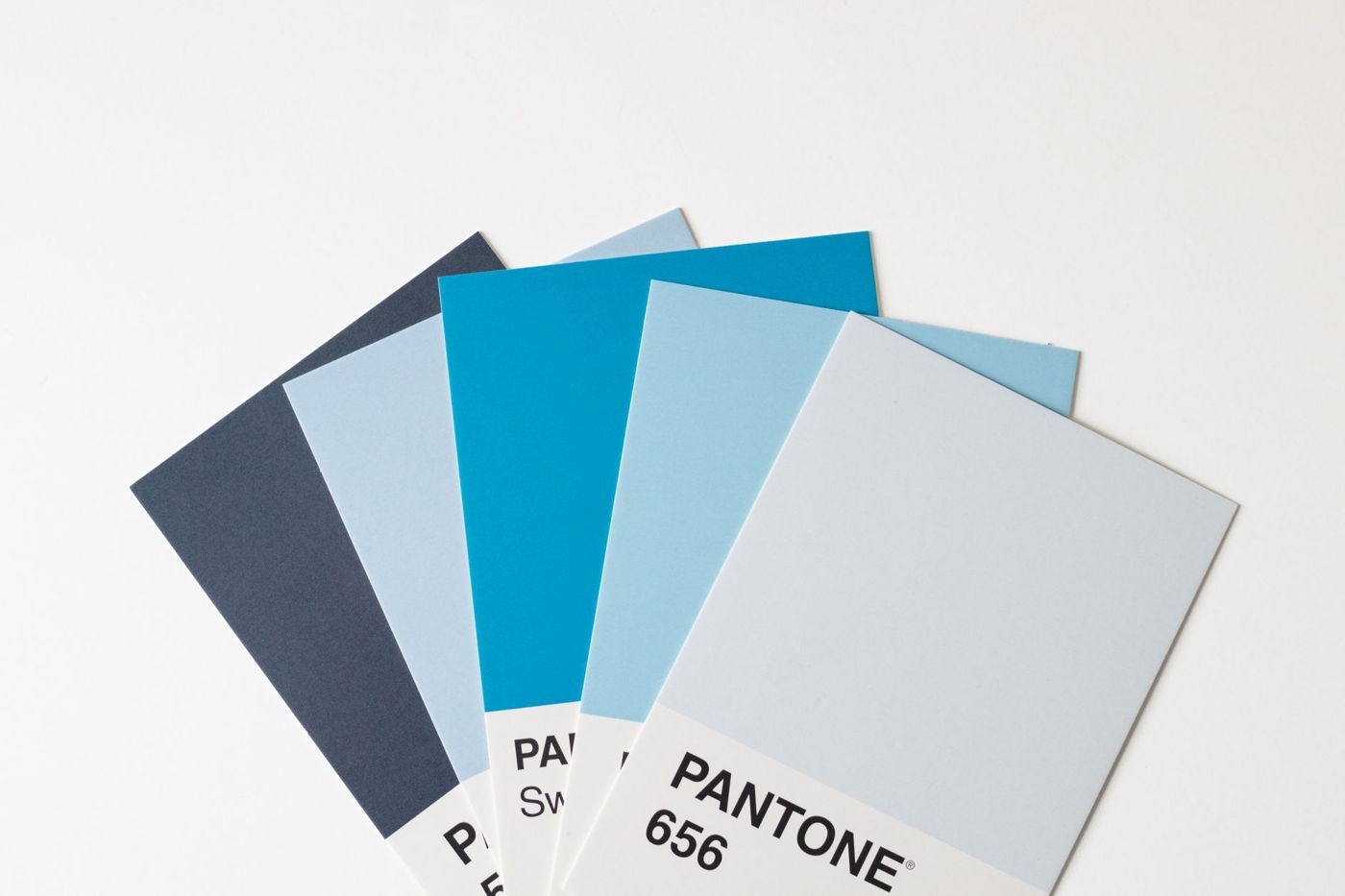
- Monochrome: one colour in lighter and darker shades, and nothing else. Think light blue, mid blue and navy. Because there's little difference in colour, patterns and texture stand out more, and a page like this often needs fewer embellishments.
- Analogous: colours that sit next to each other on the wheel, such as yellow, orange and red, or blue and green. They blend naturally and give a calm, harmonious page.
- Complementary: colours opposite each other, such as blue and orange, yellow and purple, or red and green. They strengthen each other and create contrast. Use lots of one and the other as an accent, otherwise they'll fight for attention.
If you want to go a step further, try a split-complementary combination. You take one colour plus the two neighbours of its opposite, for example blue with red-orange and yellow-orange. That gives contrast but is less intense than a pure complementary pair.
Good to know: cool colours (blue, green, purple) seem to recede, while warm colours (red, orange, yellow) come forward. So a warm accent catches the eye faster than a cool one. A few red flowers can warm up a cool page quite a bit.
How many colours on one page
Two or three colours plus a neutral is enough for most pages. A handy split is one main colour, one supporting colour, one accent and a neutral base. The accent can be a colour that isn't in the photo, as long as it goes well with the rest. Gold with blue and black is a lovely example.
Also pay attention to how much of each colour you use. Think of a bucket, a jug and a cup: lots of the main colour, less of the second colour and just a little of the accent. Use combinations with strong associations, such as red with green, sparingly if you don't want your summer page to look like a Christmas card.
If your page looks busy, count the colours. Often there are five or six without you noticing, because every embellishment brought its own colour. Start by removing the colour that has least to do with the photo.
Repetition helps too. A colour that comes back in two or three places leads the eye across the page and makes everything belong together.
Neutrals as a resting point
White, cream, kraft (unbleached brown paper), grey, beige and black don't really count as colours. They give space and help your photo and accents stand out. Almost any colour becomes calmer with plenty of white around it.
A few things scrappers often do:
- Choosing cream or off-white instead of bright white when they want softer contrast.
- Pairing grey with a bright colour such as purple. Grey tones it down and makes the bright bits light up.
- Using kraft and beige as a base under warm summer or autumn colours.
- Using small bits of black or white to define areas, or outlining a title in black so it's easier to read.
A page with no colour at all can be striking too: black, white and beige, with only texture, shapes and contrast. It quickly gives you a calm, classic or nostalgic feel.
Black-and-white photos and busy photos
A black-and-white photo goes with everything. That's why experienced scrappers often give the same tip: if you're not sure your photos suit your paper, print them in black and white. Then you can use any paper you like.
With black and white you can actually be bolder with colour. A nice approach is one bright colour, such as cobalt blue or sunny yellow, on an almost white background, with a touch of black. The colour takes centre stage and the page still stays calm.
If you have a washed-out or rather dull photo, try a colour that contrasts with the photo instead of one taken from it. That colour adds the energy you can't see in the photo itself, for example a lively conversation that looks rather quiet on camera.
Busy photos, with lots of colours or festive chaos, call for the opposite. Keep the background and the layers underneath soft and neutral, and pick one or two colours from the photo to repeat. Save brighter shades for small accents, such as a few stickers or the title. A plain border in a neutral colour around the photo gives the eye somewhere to rest.
When your paper doesn't suit your photo
It happens to everyone: you have a beautiful sheet and the photos just won't go with it. A few solutions, from small to big:
- Put a buffer in between. A mat of plain cardstock (sturdy, plain card) in white, cream, kraft or black around the photo takes away the clash.
- Use less of the paper. A strip or a few cut-out shapes often work where a whole sheet is too much.
- Turn the sheet over. Lots of patterned paper is double-sided, with a calmer reverse.
- Find a bridge colour: a colour that's in both the photo and the paper, and let it come back a few times.
- Make your own embellishments in the right colour from scraps, using a punch, a stamp or ink. Scrap paper sorted by colour makes this a lot easier.
- Print the photo in black and white. Sometimes that's the nicest solution.
- Save the paper for another page. It doesn't all have to go on this one.
Small habits that help
Lay out your page dry first, without glue, and take a photo of it. On a screen it's easier to see whether a colour is drawing too much attention. Switch that photo to black and white for a moment and you'll also see whether there's enough difference between light and dark.
Keep a little notebook or folder of snippets from combinations you liked, so you don't have to search all over again next time. A colour you find exciting can be tried out on its own first on a tag or card, and only stuck down once you're happy with it.
A paper collection whose colours already go together is a nice way to start. You can mix things up later, and your first pages are allowed to be practice pages.
Questions about this topic
How do I choose colours that go with my photos?
Lay your photos side by side and see which colours come up most often, usually two or three. Then choose paper and embellishments in that colour family.
How many colours should I use on a scrapbook page?
Two or three colours plus a neutral is enough for most pages: a main colour, a supporting colour, an accent and a neutral base. If the page looks busy, count the colours.
Which colour combinations always work?
Monochrome (one colour in lighter and darker shades), analogous (colours next to each other on the colour wheel) and complementary (colours opposite each other). With complementary colours, use lots of one and the other as an accent.
What do I do if my paper doesn't match my photo?
Put a neutral mat in between, use less of the paper, turn the sheet over or find a colour that's in both the photo and the paper. You can also print the photo in black and white.