 · 7 min read
How to organise your photos before you start scrapbooking
A phone full of photos or a box full of prints doesn't have to hold you back. Here's how to make a selection and a system that lets you simply get started.
Almost every scrapper knows the moment: you want to start, you open the photo folder on your phone or lift the lid of the shoebox, and you shut it again straight away. Thousands of photos, no idea where to begin. Another time, then.
That feeling is completely normal, and it's easy to fix. You don't need to get everything in order first. You need a way to choose, and a place where you can find your photos again.
Does everything need to be organised before you start?
No. This is the biggest trap. If you wait until your whole collection is tidy, you often never start. Organising feels useful, but it can also be a way of putting off the scrapbooking itself.
So start small and close to home. Pick one event from the last few months: a birthday, a weekend away, an ordinary Sunday. Gather the photos from it and make a page with them. The rest can wait.
Alongside that, tidy up in small portions. Fifteen minutes on the sofa with your phone, one box an evening. That way the order grows along with your scrapbooking, instead of standing in its way.
Choosing in three rounds
The hardest part of a big pile is choosing. A method that helps a lot of scrappers is to work in three short rounds, one event at a time.
- First round. Go through all the photos quickly and pull out the ones you really love. Don't hesitate; your first instinct is usually right. Digitally, give them a heart or a star, or put them in a separate folder. With prints, put them on a pile of their own.
- Second round. Sort the chosen photos into little groups that belong together: the people round the table, the moment with the cake, the walk afterwards.
- Third round. Now you'll naturally spot the duplicates and the photos that don't add much. Take those out.
From a few hundred photos you'll often end up with a few dozen, and some of those will go on the page. Extra photos you still want to keep can go in a slip-in pocket or a little sleeve behind the page.
While you're at it, throw away the ones that didn't work: blurry, too dark, eyes closed, a thumb over the lens. And from a series of ten almost identical shots, keep one or two. It might feel like a waste, but it makes your collection a lot lighter.
When choosing, also look out for photos that aren't about an event. Your kitchen table, your son's bike, the view from your bedroom window. It's exactly those everyday things that become precious later on.
Folders and file names by date and event
For digital photos, organising by date works best, because your computer sorts that correctly on its own. A set-up you can keep up for years:
- one folder per year
- inside that, one folder per month, with two digits: 01 for January, 08 for August
- inside that, one folder per event
So you get, for example, 2026, inside that 08, inside that Texel beach. If you'd like fewer layers, you can put it all in one name: 2026-08-14 Texel beach. Always put the year first. Then everything stays in the right order, whatever program you use.
You usually don't need to rename the files themselves. Phones and cameras already store the date in the photo, and as long as you copy the originals, it's kept. Do watch out with photos you've been sent through a chat app. They're often reduced in size and may have lost their original date, so they end up in the wrong place in your timeline.
Two folders many scrappers find handy:
- Still to scrap. This is where the photos you want to use go. As soon as they're on a page, take them out.
- Favourites of the year. More on that below.
If you use a photo service with albums or tags, you can do the same thing without moving folders around. The principle stays the same: one place for what you want to use, and a clear way to see what's already been used.
Sorting paper photos into boxes
With prints, you work from rough to fine. Don't start with the exact year of every photo, or you'll get stuck on the first one you're unsure about.
- First put everything into piles by decade: the seventies, eighties, nineties. The colour, size and borders of a print often help you make a guess.
- Then split each pile by year, or by person, event or place if the years can't be worked out.
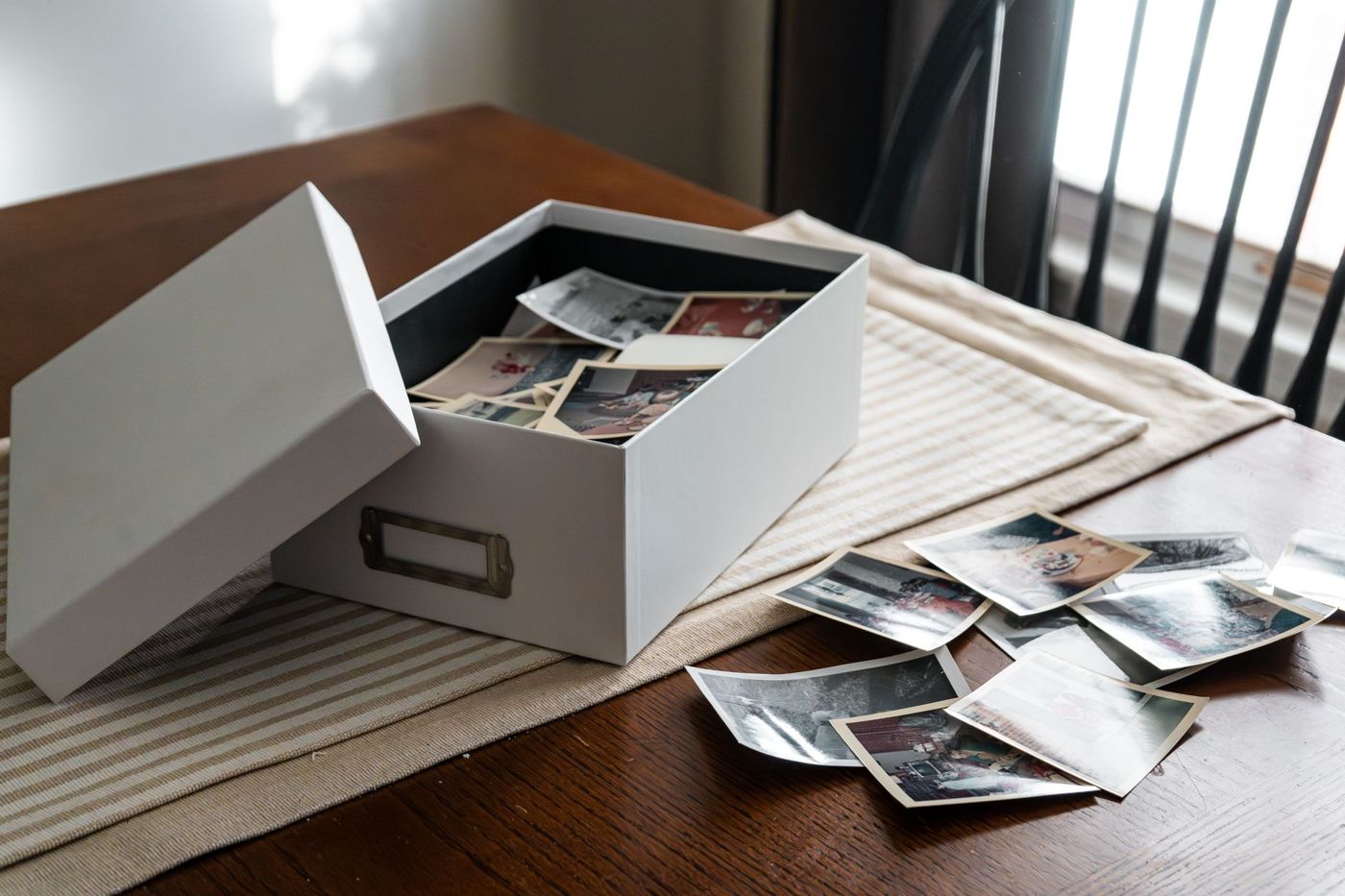
- Stand them upright in photo boxes with index tabs in between. On each tab, write the year, month and subject, such as Aug 1994 camping France.
Use boxes made for photos, acid-free and lignin-free, and without plastic that turns sticky. Write what you know on the back, near the edge and pressing lightly, with a soft pencil. If pencil won't take on a glossy back, write on the sleeve or on a card kept with it. Note down full names rather than Grandma or the neighbours. In fifty years nobody will know who was meant.
If you inherit a box or album from someone else, don't turn it upside down straight away. The order in which someone kept their photos can tell a story in itself. Take a calm look first, make notes, and don't pull photos out of old albums until you know how to do it safely.
If there are one-of-a-kind photos with no negative or copy, scan them or take a good photo of them. On your page you use a print of the scan, and the original stays safe in the box.
Making a favourites selection every year
A habit that brings a lot of calm: at the end of each year, choose your favourites. Not a hundred, but a handful per month, or a set number for the whole year.
Ideally do it in January, while the year is still fresh. Go through your folders month by month and put the best ones in a Favourites folder with the year added. With prints, put them at the front of that year's box.
That selection has several advantages. You instantly have a pile to scrap from. You can have it made into a year in review or a photo book. And anyone who later wants to know what that year was like doesn't have to go through thousands of photos.
If you do it month by month, it gets even easier. Pick five photos each month, and by December your year's selection is already done.
Not everything has to go in an album
This may be the most important point. An album isn't an archive. It's a collection of stories you want to tell, and all your photos will never fit in it.
There are plenty of places where photos can live perfectly well:
- digitally, neatly in folders and with a good backup
- in a photo box, sorted and with tabs in between
- in a printed photo book, for the ordinary years
- in a pocket album, where you simply slip photos into sleeves
- on a fully worked page, for the moments that really have a story
Think about what you want from an album. Is it about a child growing up, a trip, your family history? That decides which photos belong in it. The rest hasn't been thrown away, just not chosen.
Feel free to let go of a fixed order, too. You don't have to start with the oldest photo or scrap everything in sequence. An album with loose pages or rings lets you put your pages in their place later on.
A first step for tonight
Pick up your phone, choose the last event you want to keep, and do the three rounds. Put the result in a Still to scrap folder. That's all you need to do tonight, and tomorrow you can simply get started.
Questions about this topic
How do I organise my photos before scrapbooking?
Choose in three quick rounds: first everything you love, then group by event, then remove duplicates and failed shots. You don't need to organise your whole collection first; start with one event.
What's the best folder structure for digital photos?
Organising by date works best: one folder per year, inside it one folder per month with two digits, and inside that one folder per event. Always put the year first, so everything stays in the right order.
How do I sort a box of old printed photos?
Work from rough to fine: first by decade, then by year, person, event or place. Stand the photos upright in photo boxes with index tabs in between, and write down what you know.
How many photos should I put in an album?
An album isn't an archive but a selection of stories. The rest can live digitally in folders, in a photo box or in a photo book. For example, choose a handful of favourites every year.