· 7 min read
How to mat and crop photos without regrets
A narrow border of paper behind your photo and a few centimetres less sky above it. Here's how to crop and mat a photo so it really stands out, and what you're better off leaving whole.
Put a photo straight onto a sheet of patterned paper and it can half disappear. Slip a piece of plain paper that's just a little bigger underneath first, and suddenly it stands out. That piece of paper is called a mat. It's one of the first things scrappers learn, and one of the things they never leave out again.
What is matting and why do it?
Matting means sticking a photo onto a piece of paper that's slightly bigger than the photo itself. A narrow border stays visible all the way round, like the mount in a picture frame.
That border does a few things at once:
- It separates the photo from a busy background, so the eye doesn't slide right past it.
- It makes one photo the focal point of the page.
- It can repeat a colour from the photo and so tie the photo and the paper together.
- It adds an extra layer of depth, especially if you put the matted photo on foam tape.
If you want more emphasis, make a double mat: the matted photo goes onto a larger piece of paper again, often in a different colour. Three layers works too, but save that for your most important photo. If every photo has a triple mat, nothing stands out any more.
How wide should the border be?
There's no right or wrong width, but each one has a different look.
- A narrow border of 2 to 3 mm is delicate and calm. It separates the photo from the background without drawing attention to itself.
- A border of around 5 mm is clearly visible and gives a sturdy frame.
- A wide border of 1 cm or more feels softer and more old-fashioned, like a little frame. It also gives you room to write a date or a word on it.
The maths is simple, but it often goes wrong: you see the border on two sides. If you want 3 mm all round, the mat is 6 mm wider and 6 mm taller than the photo. So a 10 x 15 cm photo gets a mat of 10.6 x 15.6 cm. For 5 mm all round, add 1 cm.
A double mat works the same way. Usually make the second border a little wider or much narrower than the first, so it looks like a deliberate choice. Two borders of exactly the same width can easily look stiff.
A classic trick is to make the bottom border slightly wider than the other three. That way the photo doesn't look as if it's sinking, and you have room for a short caption.
If you're not sure, lay the photo loosely on a few pieces of paper in different sizes and see which feels best. Only then start cutting.
Which colour should you choose for the mat?
The easiest way is to pick a colour from the photo itself. Your child's blue coat, the green of the woods, the red of a parasol. A mat in that colour brings that detail back and links the photo to the rest of the page.
On top of that, there are three colours that almost always work:
- White gives calm and freshness. It looks like the white border of an old-fashioned print.
- Black or a very dark shade gives the most contrast and makes the colours in the photo stand out more.
- Kraft, that brown wrapping paper, is warm and neutral and goes with almost anything.
If you want the photo to stand out from the background, choose a mat that's clearly different from the paper underneath. A mat in almost the same shade as the background disappears and adds little.
A mat doesn't have to be plain. A calm patterned paper, a paper doily, a torn piece of brown paper or even a scrap of fabric works too. Just keep it to one busy layer. A busy mat under a busy photo on a busy background turns into a puzzle.
Lay different colours loosely under the photo before you choose. You only see the difference once it's in front of you.
Cropping: what to cut and what to keep
Cropping helps you bring out the most important part of the photo. A stretch of empty sky, a bin at the edge, a stranger's foot poking into the frame: cut it out, and your photo gets stronger.
A few questions to ask yourself:
- What is this photo about? Crop so that's the centre of attention.
- What's distracting? Cluttered edges, people cut off halfway, bright spots.
- What tells a story? The wallpaper in your grandad's living room, the car you had back then, the sign with the place name. Those very backgrounds are often the best part twenty years later. Leave them in.
Cut too little rather than too much. Once it's gone, you can't get it back.
To see how a crop works, cut two L-shaped corners out of card. Lay them over the photo and slide them around until you find a crop that feels right. Then draw a very light pencil line along the inside, or measure it.
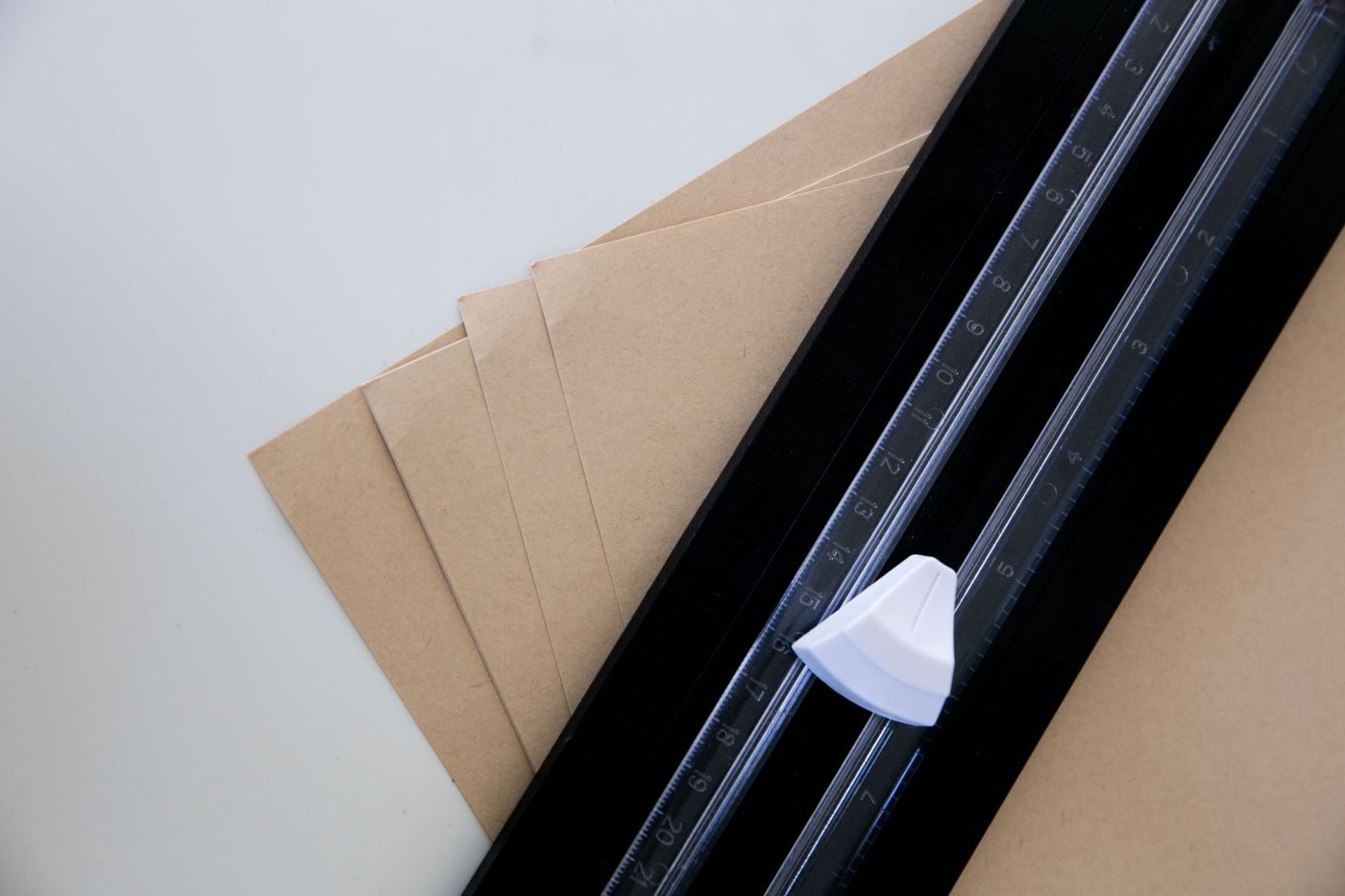
For straight lines, a paper trimmer is best. A craft knife and a metal ruler on a cutting mat work too. Scissors are fine, but a perfectly straight edge is harder. Ideally, stick your photo down with acid-free double-sided tape or photo corners; you can read more about that in the article on adhesives.
Cut original photos or copies?
On this, experienced scrappers agree: don't cut into an original you can't replace.
Old prints from your parents or grandparents, the only photo of a house that's no longer there, a print whose negative is long gone: leave those whole. Scan them, or have them scanned, and scrap with a print of the scan. Keep the original separately and safely.
Photos you have digitally are easier. You can always print them again. Even handier is to crop them when you print and choose the size that fits your page. Then there's nothing left to do with the scissors.
It's best not to cut instant photos, such as Polaroids. They're made of several layers, with leftover developing fluid in the border. If you cut one, the layers can come apart or the fluid can leak out. If you still want a different shape, scan it and work with a print.
Cutting photos into shapes
A photo cut into a circle, a heart or around the outline of your child: it can make a page playful. There was a time when almost everyone did it, and many scrappers now look back with a little regret at albums full of cut-out heads with no background.
If you want to do it, these rules help:
- Only do it with prints or copies, never with originals.
- Choose a photo where the background really adds nothing.
- Stick to one shaped photo per page, alongside ordinary rectangular photos. That way it stands out and the rest stays calm.
- A circle or oval almost always works. Complicated shapes like stars eat up a lot of the photo.
- If you cut around a figure (also called silhouette cutting), leave a narrow white border. It looks neater and stops hair and fingers from being half cut off.
A risk-free alternative: cut the shape out of the mat instead of the photo. A round window in a sheet of paper over a rectangular photo gives the same effect, and the photo stays whole.
Start with one photo
Pick your favourite photo from the past month. Crop out the distractions, lay it on three different pieces of paper and choose the colour that brings out the most in the photo. Stick it down with a border of a few millimetres. That one little border does more than you'd expect.
Questions about this topic
How wide should a photo mat border be?
A narrow border of 2 to 3 mm is calm, 5 mm gives a clear frame and 1 cm or more feels softer and more old-fashioned. Count the border twice: for 3 mm all round, the mat is 6 mm wider and 6 mm taller than the photo.
What colour mat should I use for a photo?
Pick a colour from the photo itself, or choose white, black or kraft as a calm base. Choose a mat that's clearly different from the paper underneath, otherwise it disappears.
Is it OK to crop photos for a scrapbook?
Yes, if you're working with a print or copy. Crop out what distracts, but keep what tells the story, like a sign or old wallpaper. Never cut into an original you can't replace.
Why put a mat behind a photo?
A mat separates the photo from a busy background, makes it the focal point and can repeat a colour from the photo. On foam tape it also adds extra depth.