 · 7 min read
Choosing photos and how many fit on a scrapbook page
Eighty photos from one day and just one page. Here's how to choose the photos that tell the story, and how to work out how many fit on 30.5 x 30.5 cm or A4.
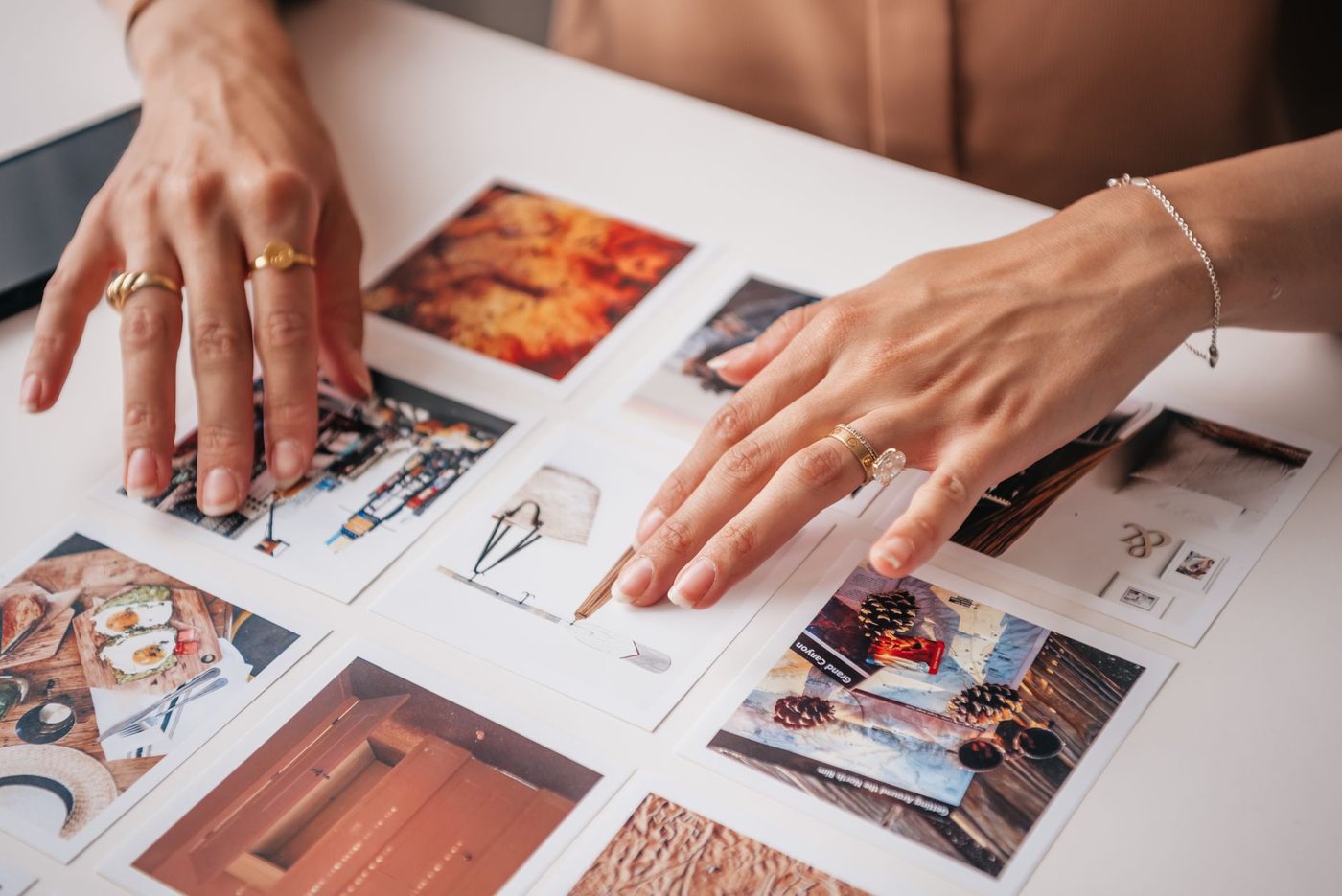
After a day at the seaside, you can easily end up with eighty photos on your phone. They all feel a little bit precious, and yet only a few fit on a page. Choosing can feel like throwing things away, but it isn't. You're deciding which story this page tells, and the rest gets a different home.
Choose the story first
Before you start moving things around, ask yourself what you want to remember about that day. Not the whole holiday, but that one afternoon on the beach, or the ice cream that melted faster than your child could eat it. With one moment in mind, choosing gets much easier. You look at each photo and ask whether it belongs to that moment, not whether it's pretty enough.
If you really have several stories from one day, feel free to make two pages. That's often calmer than trying to squeeze everything onto one.
Three rounds through your photos
A method many scrapbookers use is choosing in three rounds. It works with photos on your phone and with a stack of prints.
- Go through them quickly and mark everything you really like, with a heart, a star or by putting it in a separate folder. Don't hesitate too long, because your first instinct is usually right.
- Sort the photos you've chosen into groups that naturally belong together, such as arriving, swimming and eating. Suddenly you'll see how many near-identical photos you have.
- Cut within each group. Out of five almost identical photos, keep the best one, and anything that adds nothing to the story goes.
As a rule of thumb, you'll often end up with about one in ten. Once you lay the prints on the page, another photo or two usually drops out. That's part of it.
What to look for when choosing
- Sharpness and light: blurry, dark or overexposed photos are the first to go. Only if it's the only photo of something important can it stay.
- Faces: choose the photo that shows how someone feels, not just the one where everyone is looking neatly at the camera.
- Details: a close-up of sandy feet, the plate of chips or a handful of shells often says more than the fifth group photo.
- The bigger picture: one photo of the place itself gives the details around it something to hold on to.
- Colour and light: photos with roughly the same colours and brightness look calm together. A bright midday photo next to an orange evening photo is more likely to clash.
For each moment, think in terms of one main photo with a few photos that give context. The main photo is the one you know straight away has to go on the page.
How many photos fit on a 30.5 x 30.5 cm page
Most scrapbook pages are 30.5 x 30.5 cm, often called 12 x 12 inch in shops. The most common photo size is 10 x 15 cm. Strictly speaking, six portrait photos of that size will fit, but then there isn't a millimetre left for a title, writing or breathing space.
In practice, this works well:
- One to three photos: calm, with room for a title, journaling (the story you write alongside) and some embellishments.
- Three to four 10 x 15 cm photos: fine, as long as you keep them close together and don't spread them across the whole page.
- More photos: choose a smaller size or a grid. Nine small square prints of about 9 x 9 cm fit in a three-by-three grid, but then the page really is full.
Leave at least half a centimetre between photos and some breathing space around the outer edge. A page filled right to the edge soon looks busy.
How many photos fit on A4
An A4 page is 21 x 29.7 cm, which is noticeably tighter. Two landscape 10 x 15 cm photos, one above the other, still leave room for a title and a few sentences. Three photos can work, especially if one is smaller. Four portrait 10 x 15 cm photos won't fit without trimming, because two rows add up to 30 cm.
If you have more photos of one moment, work with a double-page spread. Put the main photo large on the left-hand page and a row of smaller photos on the right-hand page. That gives you space without it feeling crowded.
If you're just starting out, stick to one to three photos per page. It's easy to take in, and you're less likely to get stuck moving things around.
A page with one photo
This works really well, especially when one photo says it all. Have it printed a bit larger, for example 13 x 18 cm or bigger, and mount it on a piece of cardstock (sturdy, plain card) in a contrasting colour. That gives you a clear focal point straight away.
The space around it isn't empty. That's where your title goes, a few sentences about what happened, or simply calm. A one-photo page is also a lovely solution for that single photo of an important moment that has no second shot.
Mixing landscape and portrait
Landscape and portrait photos together give a page movement. Wide things like the beach or a view work best in landscape, people and tall things in portrait.
- Line up the edges. Two portrait 10 x 15 cm photos side by side are 15 cm tall together. A landscape 15 x 10 cm photo with a 5 cm strip of journaling underneath is also 15 cm tall. Put those blocks side by side and you have a neat whole.
- Watch the direction people are looking. If someone in the photo is looking to the left, put the photo on the right-hand side of the page so they look into the page, not out of it. Leave space in front of the gaze or the movement.
- If a photo doesn't quite fit, trim it carefully rather than putting it at an angle. Take care not to cut off faces or important parts. What you cut away, you can't get back.
Big and small: what goes in the middle
The largest photo catches the eye first, so that's your main photo. It doesn't have to be exactly in the centre. Slightly off-centre often feels more natural. Divide the page in your mind into three by three squares and place the main photo on or near one of the points where the lines cross.
A photo of someone looking straight into the camera, or a photo with a symmetrical composition, does look lovely right in the centre. A symmetrical layout also suits formal occasions.
Place the smaller photos as a group close to the main photo, in a row or a little block, not scattered across the whole page. The eye usually reads from top left to bottom right, so start your story there. If you're working with a row of photos, you can alternate them with a small label or a little embellishment. That gives the photos room to breathe.
Lay everything out loosely first and move things around until it feels right. Take a photo of it with your phone before you start sticking. Then you'll know exactly where everything was.
What to do with the photos that didn't make it
Photos that don't go on the page don't have to go. They just go somewhere else.
- Keep your digital photos in a separate folder for each event. Only delete the real failures, like blurry photos and duplicates.
- Make a pocket or little envelope on the page, or stick one on the back, for a few loose extra photos. Page protectors with pockets work well for this too.
- Collect the best of the rest for a mini album or a page of small prints later on.
- On the back of loose prints, write who, what, where and when, using a photo pen or a soft pencil, without pressing hard.
Think of it like this: your album is the selection, and your folder is the archive. Everything is kept, it just doesn't all need to be on the table.
Questions about this topic
How many photos fit on a scrapbook page?
On a 30.5 x 30.5 cm page, one to three photos feel calm, and four 10 x 15 cm photos can work if you keep them close together. On A4, two or three photos usually work best.
How do I choose photos when I have dozens from one day?
First decide which moment you want to remember, then work in three rounds: choose quickly by feel, group them, and keep the best within each group. As a rule of thumb, you'll often end up with about one in ten.
What should I do with photos that don't go on the page?
Keep digital photos in a separate folder for each event. For prints, you can make a pocket on the back of the page or save them for a mini album. Write who, what, where and when on loose prints.
Can I put just one photo on a scrapbook page?
Yes, that works well when that one photo says it all. Have it printed larger and mount it on a contrasting mat, and you have a clear focal point straight away.